
I received the Ozmotic Learning Projector as part of a review partnership. The opinions in this post are entirely my own.
When our kids were growing up, we always struggled with finding an easy bedtime routine for our kids. I’m always looking for what works without burning out parents along the way!
At one point years ago, I had seven kids under the age of nine. Our house was tightly wound at bedtime. Chaos was common. There was no calming routine. We were just trying to cross the finish line every evening. My husband and I would end the day completely exhausted from the hectic spiral into bedtime.
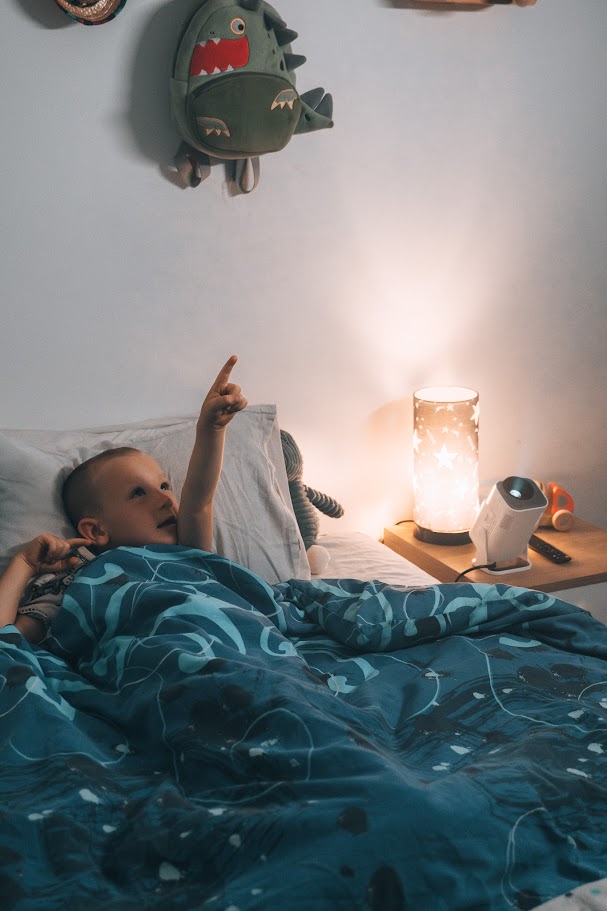
Recently, as my two youngest kids started using the Ozmotic Learning Projector, I kept thinking, This is amazing. I wish I’d had something like this when my other kids were small and evening meltdowns were a regular thing. It would have been so amazing to give them something to look forward to after they brushed their teeth but before expecting them to actually sleep.
Table of Contents
What Is the Ozmotic Learning Projector?
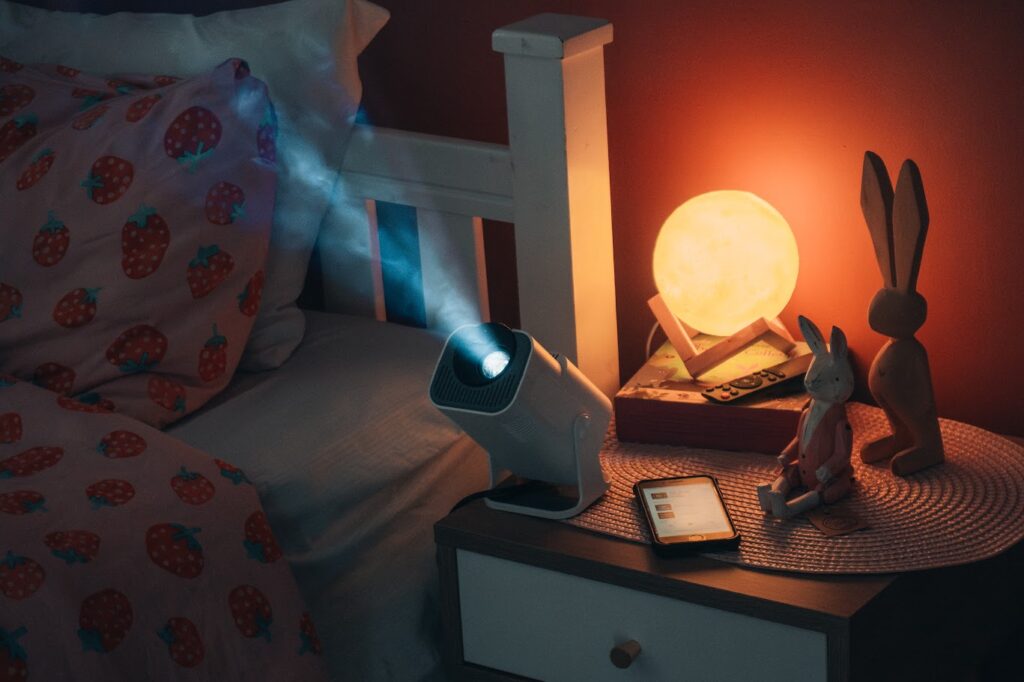
Ozmotic is a projector that plays short educational videos and stories on a wall or ceiling. You choose what plays from an app on your phone, and everyone can watch together. Sarah and Curtis, the husband-and-wife team behind Ozmotic, first made videos for their own children. That idea grew into a library families can use to practice an early skill, explore a new topic, or share a story.
How We Use the Ozmotic Learning Projector
Since the projector arrived, my 8-year-old daughter and 11-year-old son have quietly shifted their evening routine. We live in a house full of teens, and these two are the youngest. Arguably there are too many screens sometimes, and trying to scale it back for the younger kids can be hard.
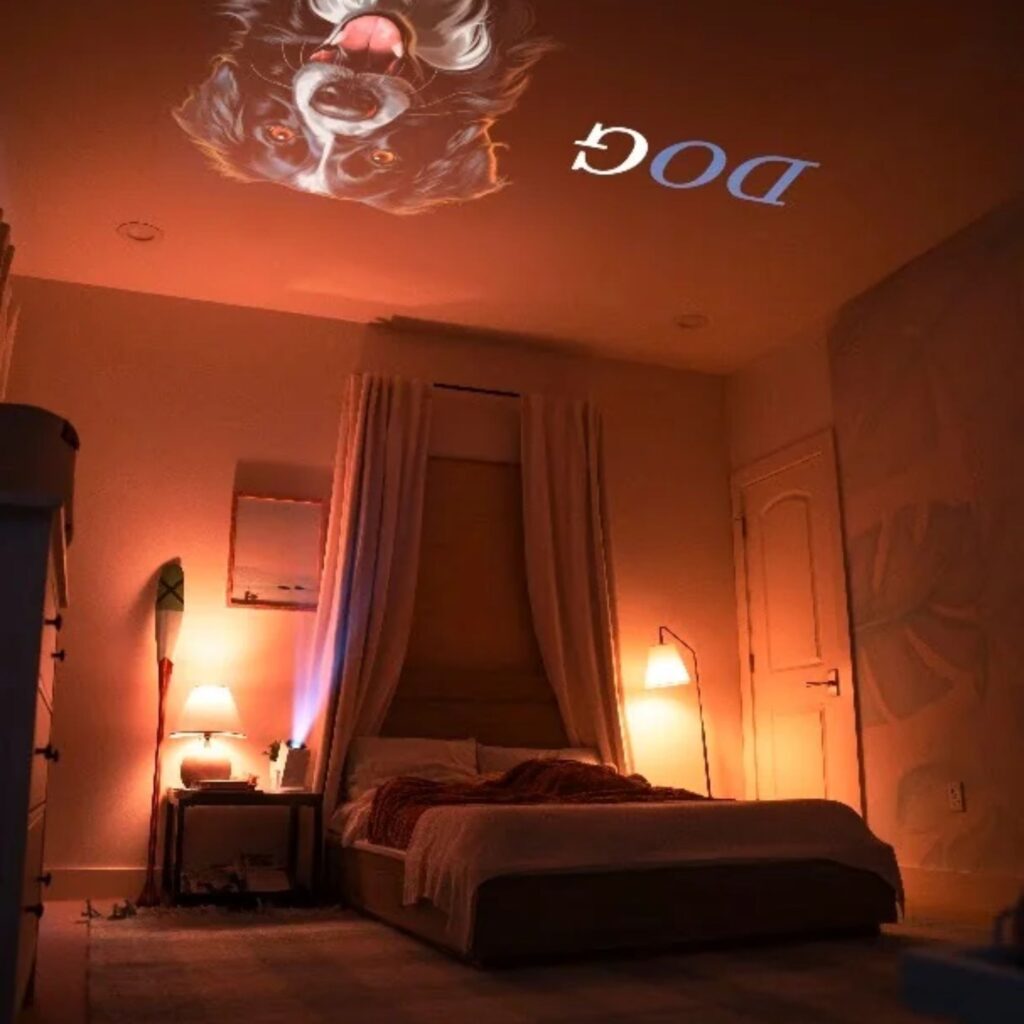
I was a bit skeptical about how much my two tech-savvy kids would enjoy the projector. It does have the novelty of being projected on the ceiling. But they use it together nearly every night. When one is ready to watch, they ask the other to come. They take turns choosing what to watch, and I hear them talking about their favorite videos.
I love it when I hear them watching something about volcanoes, bees, or a Bible story. It’s so fun to see them plopped on the couches watching something on the ceiling.
Once they’ve had some screen time in the evening, it’s easier to cut that off and encourage them to get ready for bed because they have this short, quiet learning activity that helps them unwind. I love that it doesn’t require me to be completely involved to be successful! Typically, they watch two or three videos over about 20 to 30 minutes. Then bedtime is the next step.
Honestly my favorite part of this projector is that it feels like a step back into my own childhood memories. Watching old films on a projector was something I did growing up at my grandparents. And outdoor movies with projectors were always a thing at campgrounds. It seems like every one of my childhood elementary teachers also used projectors at some point in the classroom. In every case, it felt special. It wasn’t an every day thing. And somehow this Ozmotic Projector is recreating that experience in a different way for my own kids.
What’s Inside the Ozmotic Learning App?
To use the Ozmotic Learning Projector, you need the Learning App. Its quick to download and easy to use. I had zero tech issues. I test a lot of edtech products and I honestly love it so much when a product is genuinely open and go without any bugs. My brain didn’t have to work hard to use this!!
Inside the app there were about 150 videos when we started using it. For younger children, there are videos that introduce numbers and counting, along with early reading and language skills like recognizing letters, hearing the sounds they make, and learning new words. The library also covers math, science, social studies, and languages, and includes children’s stories, Bible stories, guided breathing, and nature sounds.
You can play a single video, queue up a few in your own playlist, or use one Ozmotic has already made. My kids enjoy clicking through the menu to choose a topic. Since I control the projector from my phone, I decide when it’s time to turn it on.
The videos we’ve watched have bright, colorful slides, but they’re very low stimulation. Facts are shared in a calming voice, with a bit of very light music in the background. That’s one of the things I like most about using it in the evening.
What Setup Was Like
Setup took about 10 minutes. When the box arrived, I plugged in the projector and connected it to our Wi-Fi. Then I downloaded the app and scanned the projected QR code to pair it with the device. Once it was paired, the projector was ready to run. Now it takes just a few seconds to turn it on.
How Ozmotic Could Fit Into a Homeschool Day
We use ours in the evening, but I can see using it during the homeschool day, too. If you’re working on letter sounds with a younger child, you could watch a short phonics video together before opening a favorite book in the morning. On a quiet afternoon, you could let your child pick a science video about something they’ve been asking about, then talk about what you both noticed.
I’d use it alongside the books, curriculum, and lessons you already have. Some days a video might fit right into what you’re teaching. Other days it might just be a story you share before bed.
One of my core success strategies for homeschooling it to have a minimum viable curriculum. That is…you need resources that work on mom’s worst days….things that are plug and play. If a family has younger children, the Ozmotic Learning Projector is one of those tools that you can reliably use to keep learning happening even when you don’t feel at your best.
Here Is Who Needs an Ozmotic Learning Projector
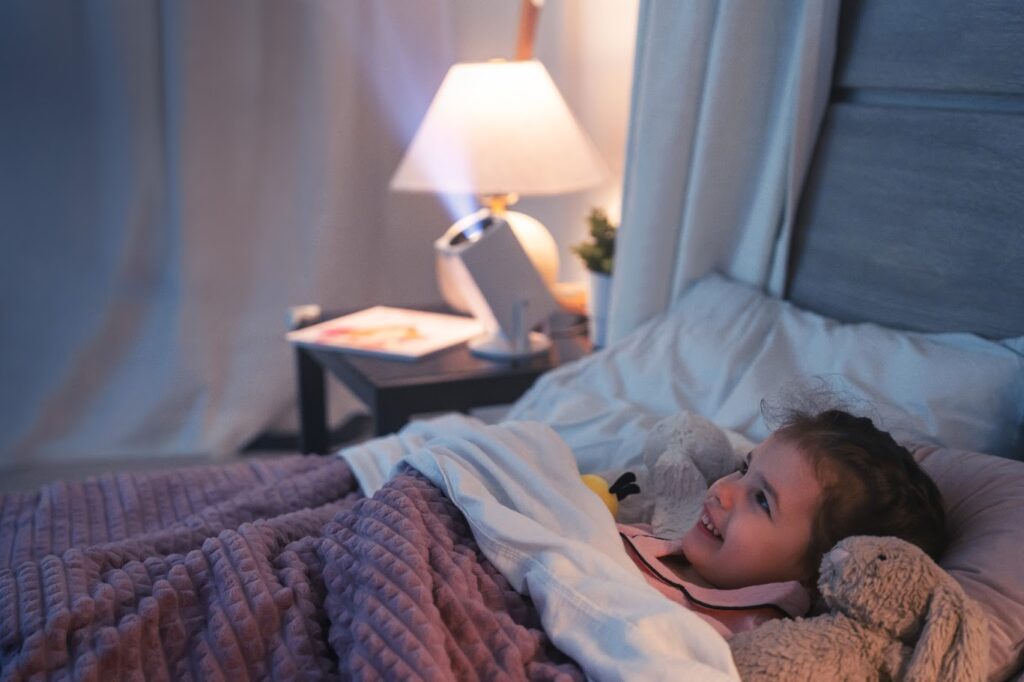
The other day at co-op, a mom was talking about her 4 year old daughter who doesn’t go to sleep at night. She is a chatty little one who loves to talk later than her mom can handle. Immediately I mentioned the Ozmotic Learning Projector to this mom. I absolutely know what it feels like to be shutting down myself and have kids going full steam ahead. And if you can relate to that….having a bed time that takes way to long to shut down, this project could be a game changer.
My kids are on the older end of the recommended age range, but if your family has kids in that younger age range…3-6, this projector is a no brainer…especially if your family struggles to have any kind of routine at night. I always struggled with guilt when someone said, “You should read books to your kids at bedtime” and most of the time, I just couldn’t. Either I was out of energy, or someone was still running around the house or a baby was crying. The Ozmotic Learning Projector makes it simple to actually do the bedtime stories…even if mom ends up needing to deal with a toddler or baby.
Ozmotic Learning Projector FAQs
What ages is the Ozmotic Learning Projector for?
Ozmotic designs its library for children ages 0–10. You can filter the lesson list by age group and topic to see what might interest your child.
Is there a monthly subscription?
The projector is a one-time purchase that includes access to the app and lesson library.
Does the projector work offline?
The projector requires Wi-Fi. Ozmotic says some families use a phone’s Wi-Fi hotspot when traveling.
Can you return it if it doesn’t fit your family’s routine?
Ozmotic advertises a 30-night trial. Its buying FAQ says you can request a return within 30 days, subject to the terms of its return policy. See Ozmotic’s buying FAQ
➡️Explore the Ozmotic Learning Projector

Sarah McCubbin and her husband and 9 kids live in Ohio. She loves talking about all kinds of education topics and is passionate about helping families find the best education options in each season! After being very socially awkward growing up, she now loves to help families teach life skills, social skills and leadership to their kids!
Connect With Sarah:
Schooling Year By Year Facebook Group
Facebook Page / Instagram @ten_minute_momentum
IndieEducationNetwork.com
More Reading: